Hack the Box - Netmon
Created by mrb3n
Background Info
"Netmon" is a vulnerable virtual machine hosted on Hack the Box.
10.10.10.152
Visiting the landing page, http://10.10.10.152, would display a PRTG Network Monitoring system.
PRTG Network Monitor is an agentless network monitoring software. It can monitor and classify system conditions like bandwidth usage or uptime and collect statistics from miscellaneous hosts such as switches, routers, servers and other devices and applications.
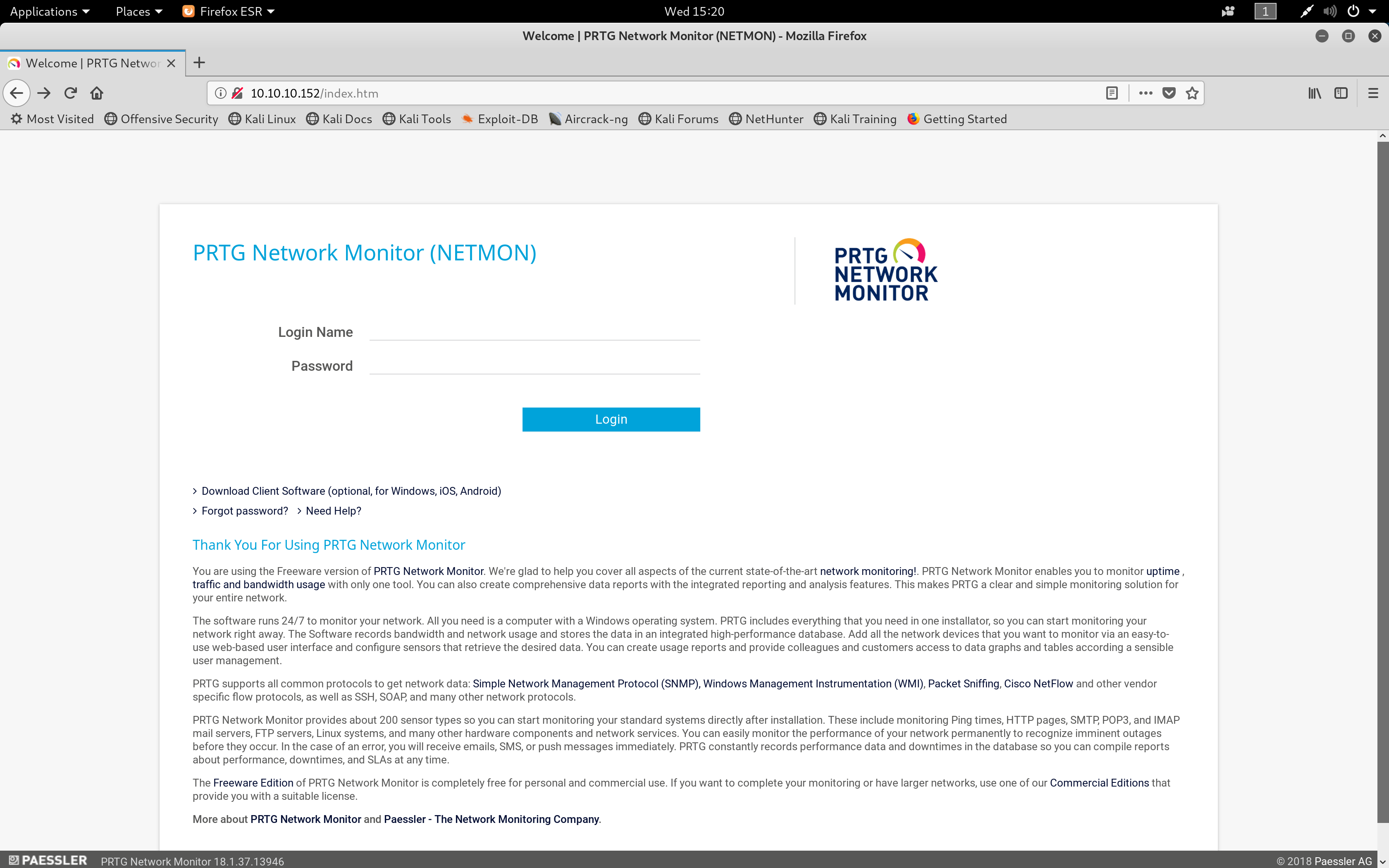 Landing Page
01. nmap
My first step was to run an nmap scan to find open ports on the site.
The -sV flag will probe open ports to determine service and version, -vv will increase the verbosity level (causing Nmap to print more information about the scan).
21/tcp open ftp syn-ack ttl 127 Microsoft ftpd
80/tcp open http syn-ack ttl 127 Indy httpd 18.1.37.13946 (Paessler PRTG bandwidth monitor)
135/tcp open msrpc syn-ack ttl 127 Microsoft Windows RPC
139/tcp open netbios-ssn syn-ack ttl 127 Microsoft Windows netbios-ssn
445/tcp open microsoft-ds syn-ack ttl 127 Microsoft Windows Server 2008 R2 - 2012 microsoft-ds
Open ports
- • Port 21 - FTP server
- • Port 80 - PRTG web application
02. FTP
As port 21 was open, I visited the URL ftp://10.10.10.152 in the browser to see if any interesting files/directories could be found.
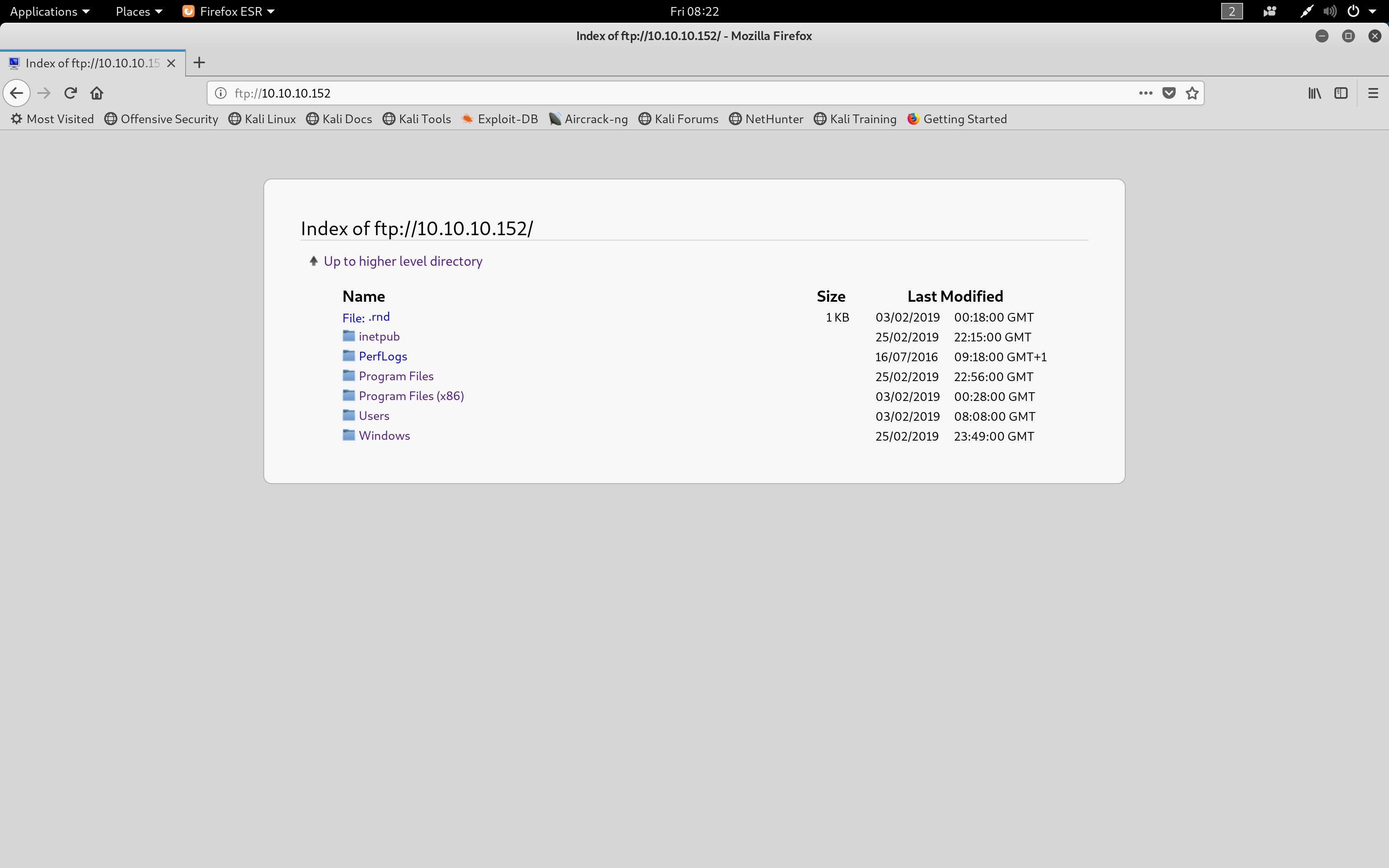 FTP Page
From navigating around the FTP server, it appeared that files in a Windows C:\ drive were accessible.
Visiting ftp://10.10.10.152/Users/Public/ displayed a file called users.txt which contained the user hash to complete part of the Hack the Box challenge.
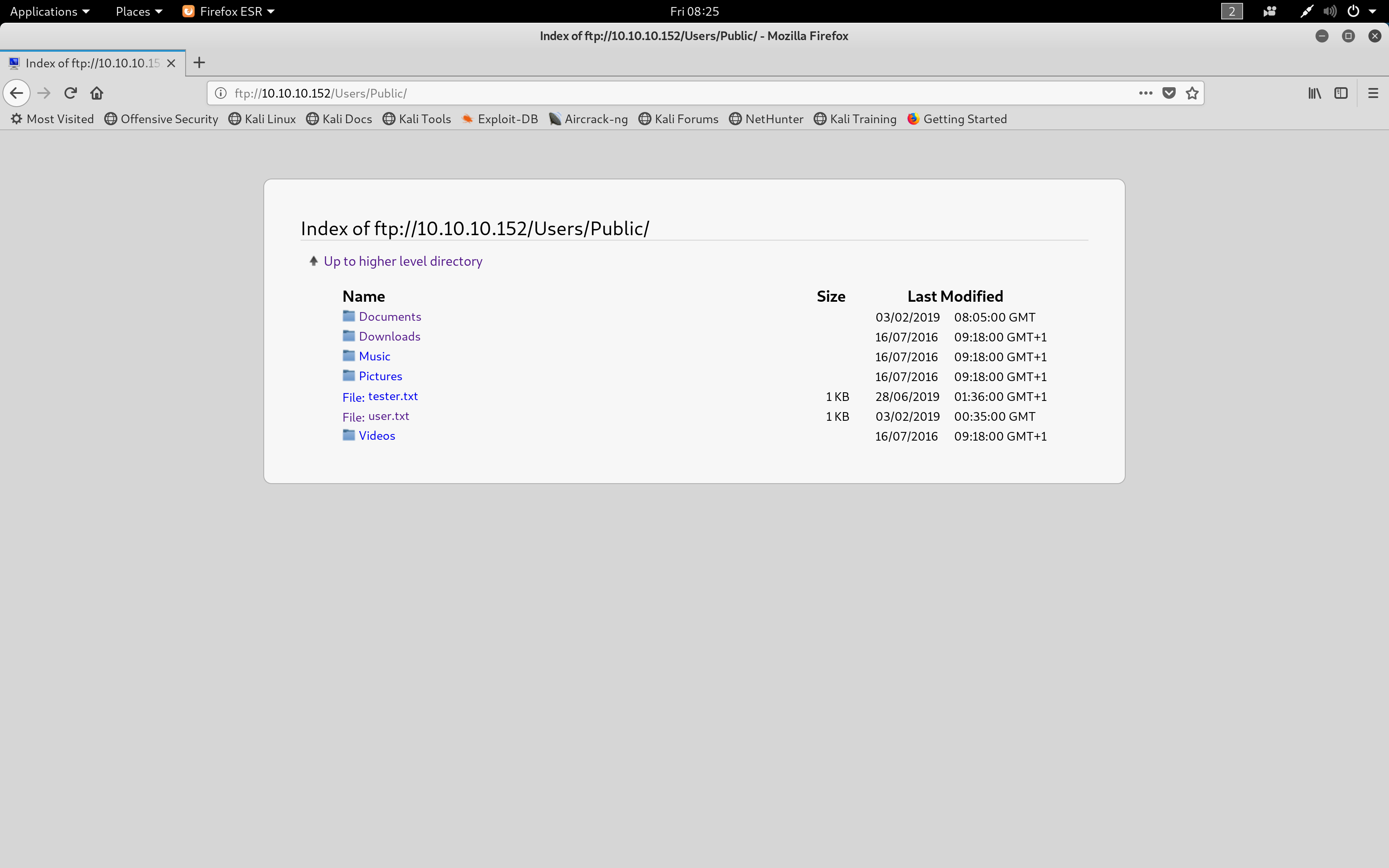 'users.txt' location
I then tried to view ftp://10.10.10.152/Users/Administrator/ but was denied access.
As I could not find any credential files to help login to http://10.10.10.152, I researched PRTG Network Monitor and discovered that the default credentials are set as prtgadmin. PRTG documentation however suggested the password must be changed after the first login and therefore this login attempt failed.
After further researching into PRTG, I found the article How and where does PRTG store its data? | Paessler Knowledge Base which mentions where data is stored in the Windows system. It stated there is a configuration.dat file which can be found in the directory C:\Windows\.
When navigating to the ftp://10.10.10.152/Windows/ directory within the FTP server, the file PRTG Configuration.dat was present with the current access. The passwords stored in this had been encrypted, meaning I could not see the password used for PRTG access.
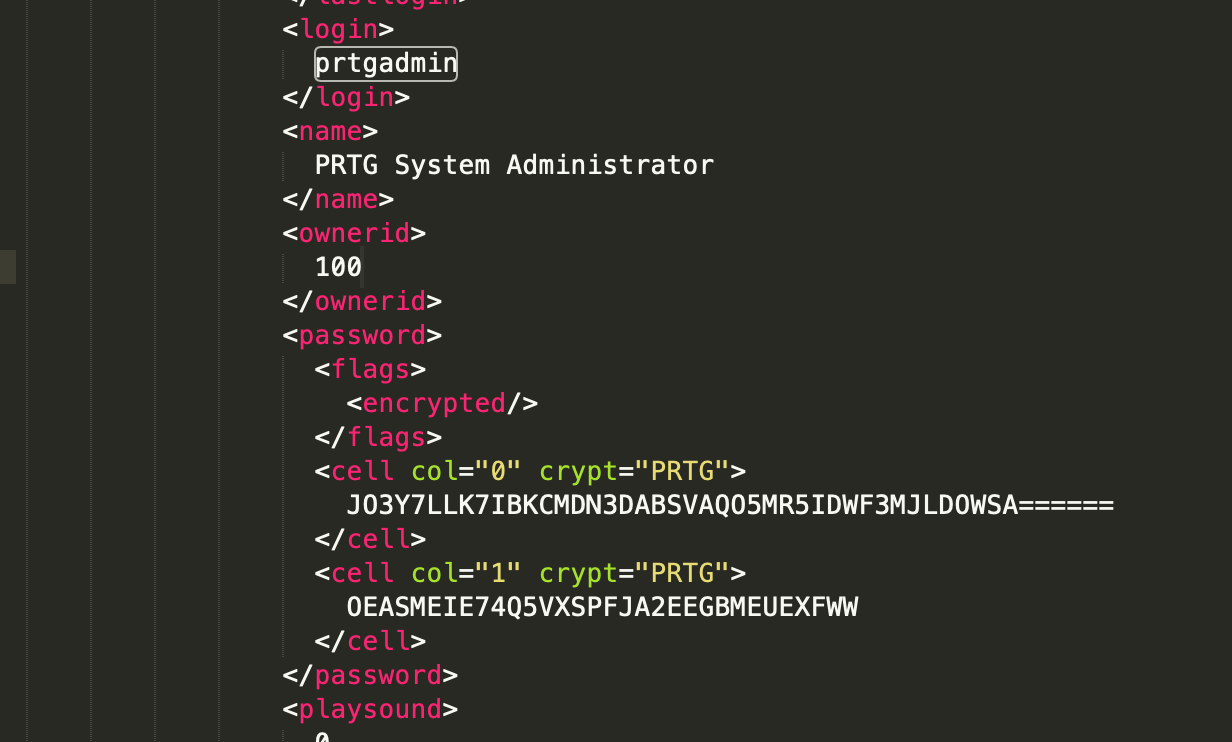 'configuration.dat' password
After further research, it appears that older versions of PRTG would store passwords in plain text. I was able to find PRTG configuration backups stored in the ProgramData directory.
With my current FTP access, I was able to view the backups at the URL ftp://10.10.10.152/ProgramData/Paessler/PRTG Network Monitor/ and downloaded a file called PRTG Configuration.old.bak.
From this file, I was able to view the password for the prtgadmin account which was PrTg@dmin2018.
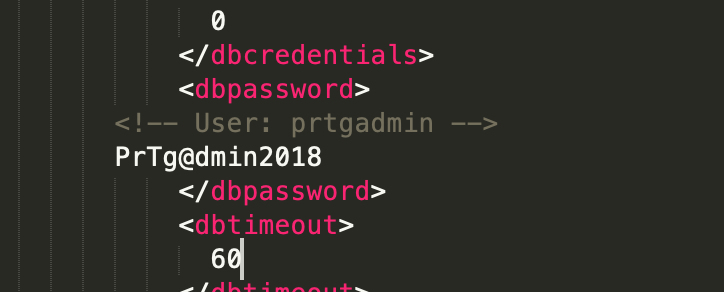 'configuration.old.bak' password
03. WebApp
I then used these credentials to attempt to login to the PRTG web app. The username prtgadmin and password PrTg@dmin2018 however were invalid.
I updated the password to PrTg@dmin2019 (the year of the box) which granted me access into the web panel.
| Username | Password |
|---|---|
| prtgadmin | PrTg@dmin2019 |
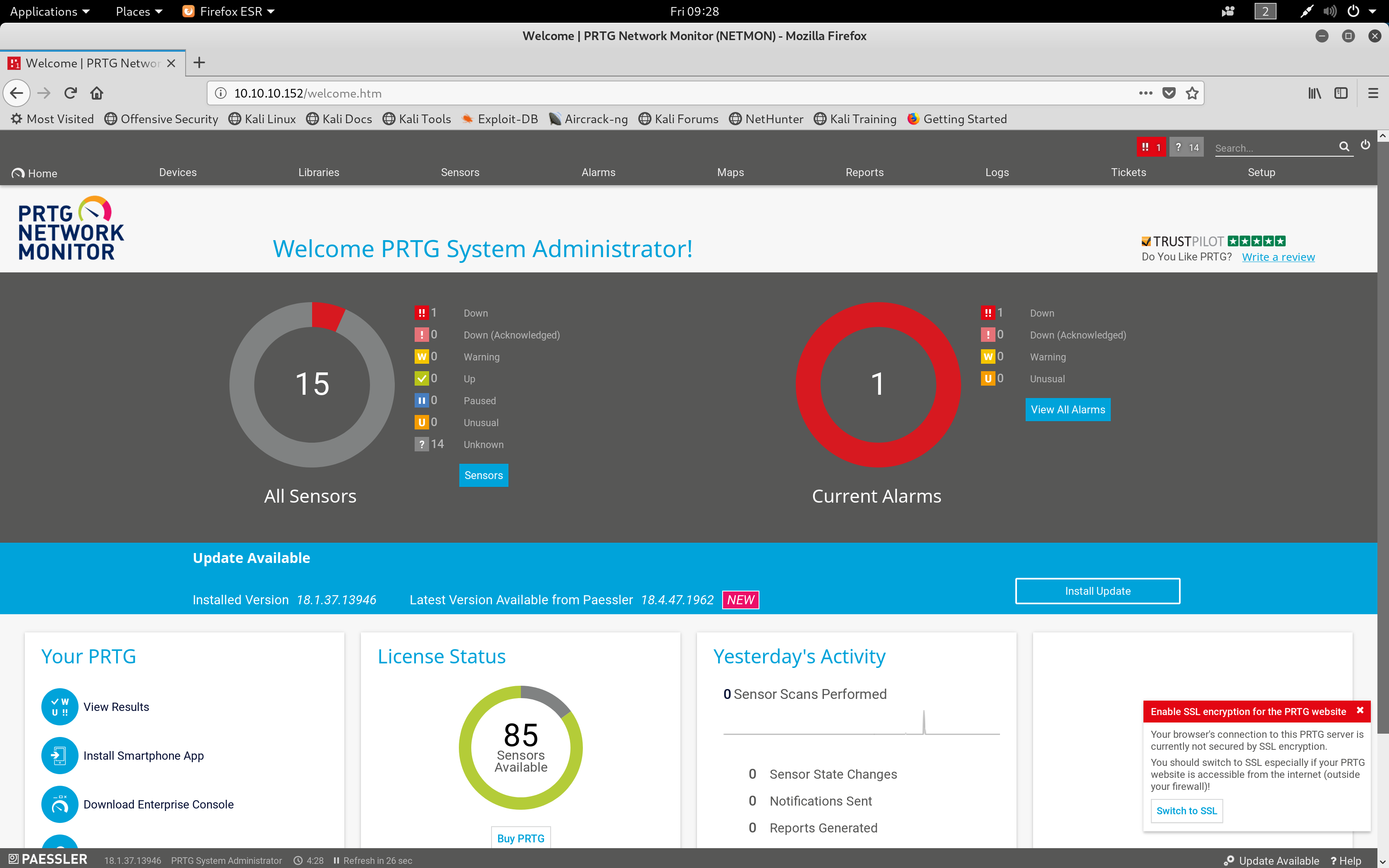 PRTG Web panel
I researched common vulnerabilities with this PRTG application and found a Command Injection Vulnerability which allows powershell commands to be executed through notifications.
I created a notification to copy the root.txt file from C:\Users\Administrator\Desktop to the Public folder C:\Users\Public\ so that I could access it on the FTP server.
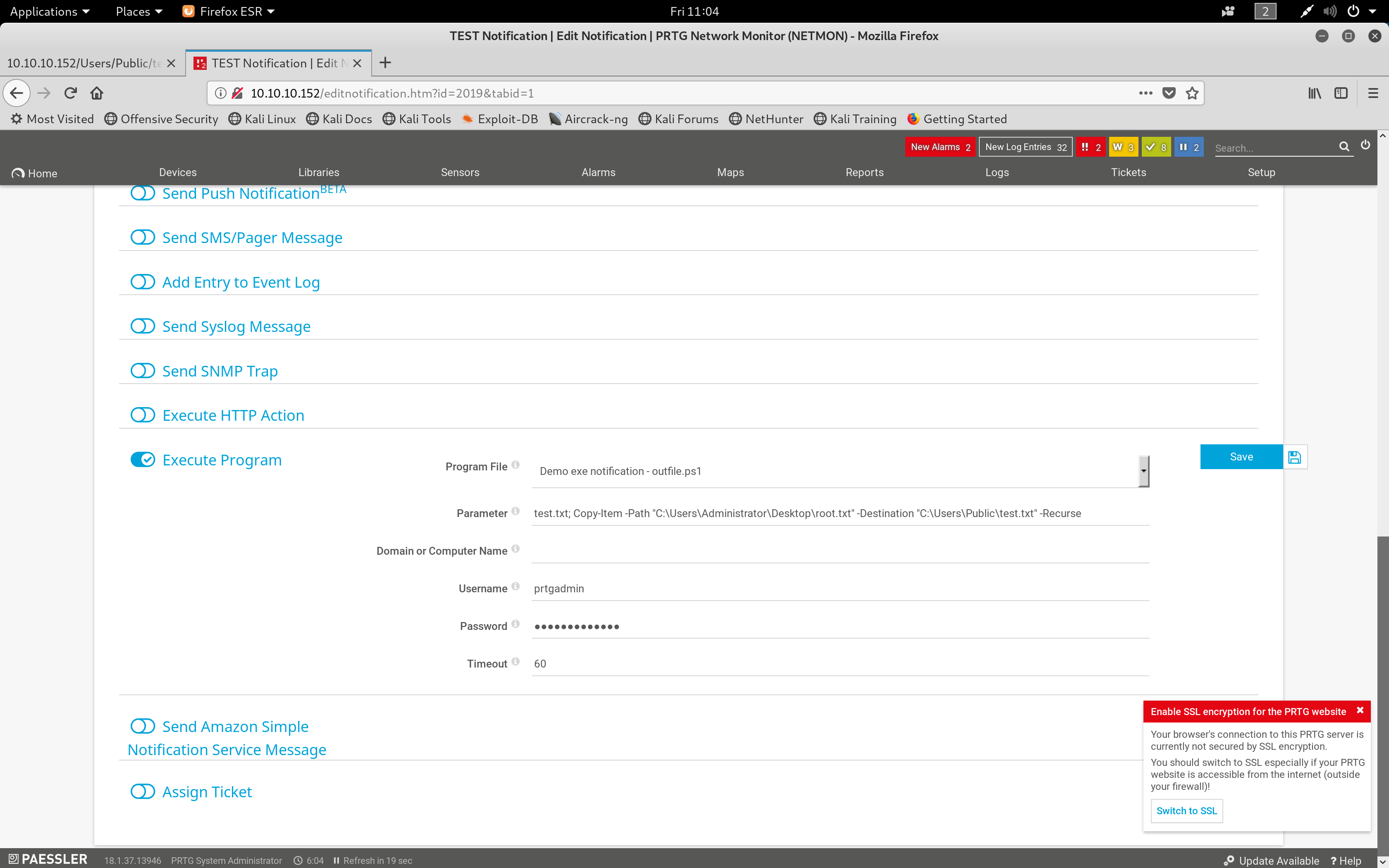 Notification Settings
After running the notification, the file was then created in ftp://10.10.10.152/Users/Public and contained the root.txt hash.
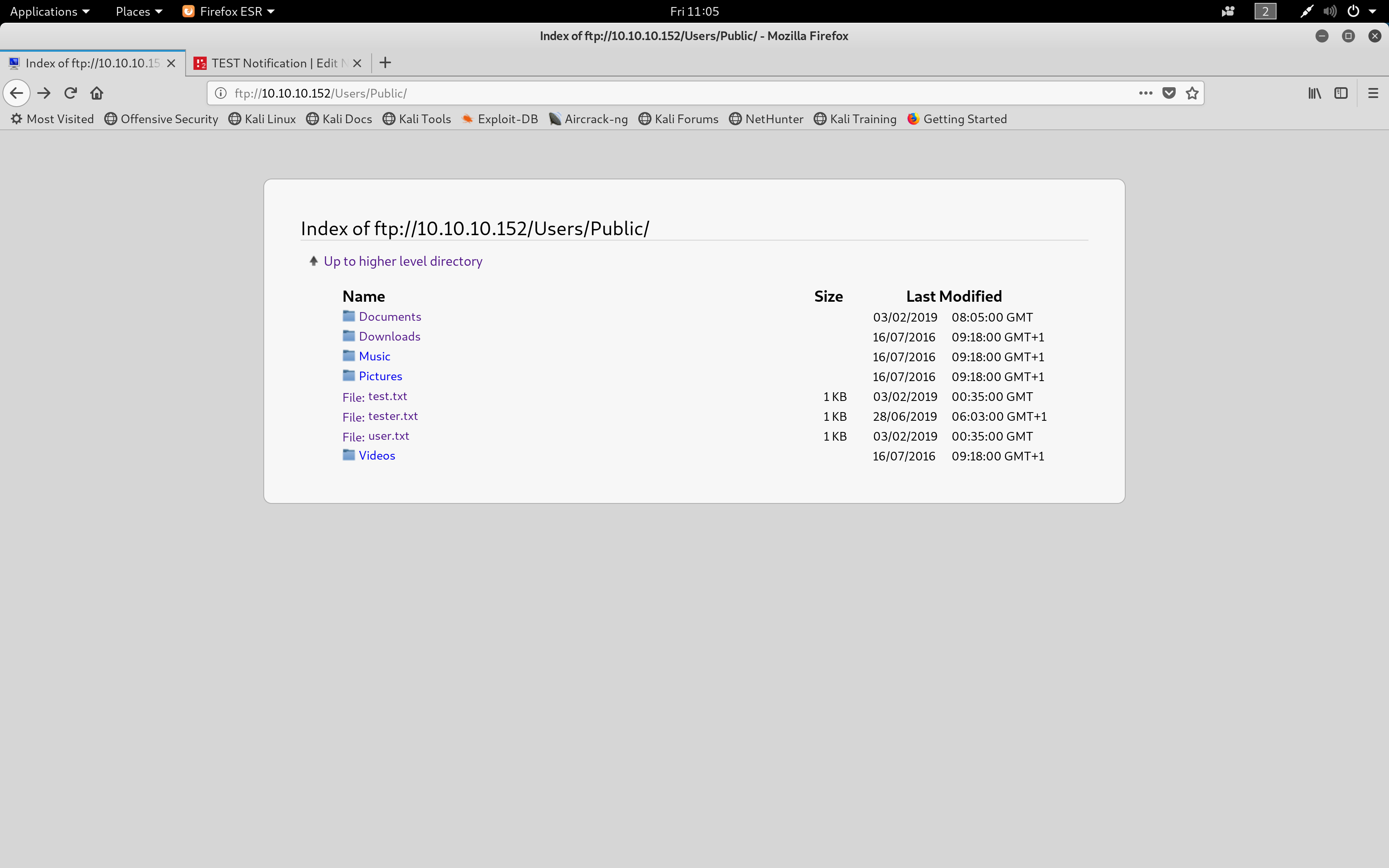 Location of the root hash, in this case it was called test.txt
Captured Flags
3018977fb944bf1878f75b879fba67cc
dd58ce67b49e15105e88096c8d9255a5